
GymTracker Pro

Unlock more depth without changing your workflow.

GymTracker Pro is the personal upgrade for people who want more planning depth, custom catalog control, broader analytics, and a smoother workout finish flow.

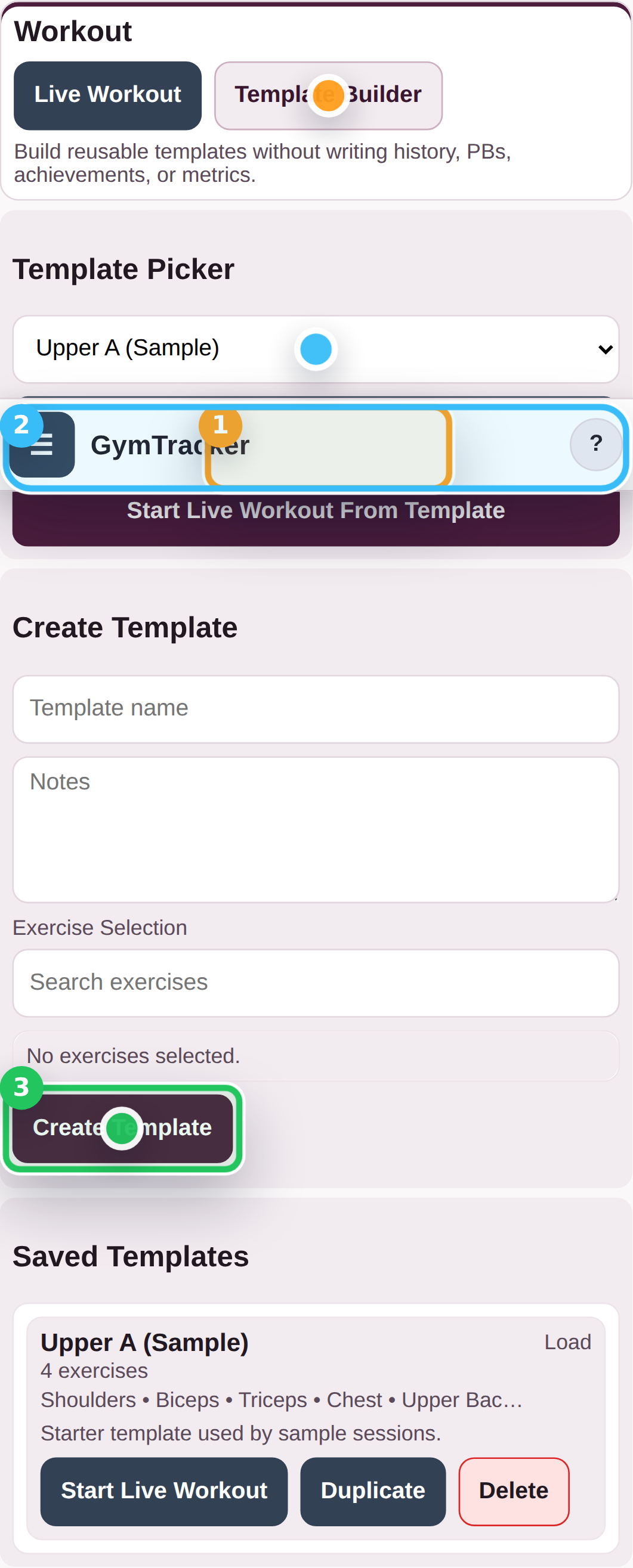
GymTracker Pro showing the template library and reusable workout builder.

Fast comparison

GymTracker Free And GymTracker Pro

Feature GymTracker Free GymTracker Pro
Sign-in required No Yes Used for billing and Pro access.
Local CSV + on-device workflow Included Included
Saved templates 2 saved Unlimited
Custom exercises 10 custom Unlimited
Exercise edit + archive controls Locked Included
Per-exercise custom targets Locked Included
Analytics date range Last 30 days Custom + full history
Warm-up tools Locked Tags + generator
Auto download on workout completion Locked Included
Saved templates 2 saved Unlimited
Custom exercises 10 custom Unlimited
Per-exercise custom targets Locked Included
Analytics date range Last 30 days Custom + full history
Warm-up tools Locked Tags + generator
Auto download on workout completion Locked Included
Workout / health data stored in account No No Billing and plan access only.

Feature proof

Every personal Pro unlock, shown visually.

GymTracker Pro showing the template library and reusable workout builder.
GymTracker Pro Build a deeper training library

Unlimited workout templates

Keep separate plans for strength blocks, travel weeks, and client-style splits without trimming older work.

  • Save more than the free cap when your training library grows.
  • Jump from planning into a live workout without rebuilding the same template.
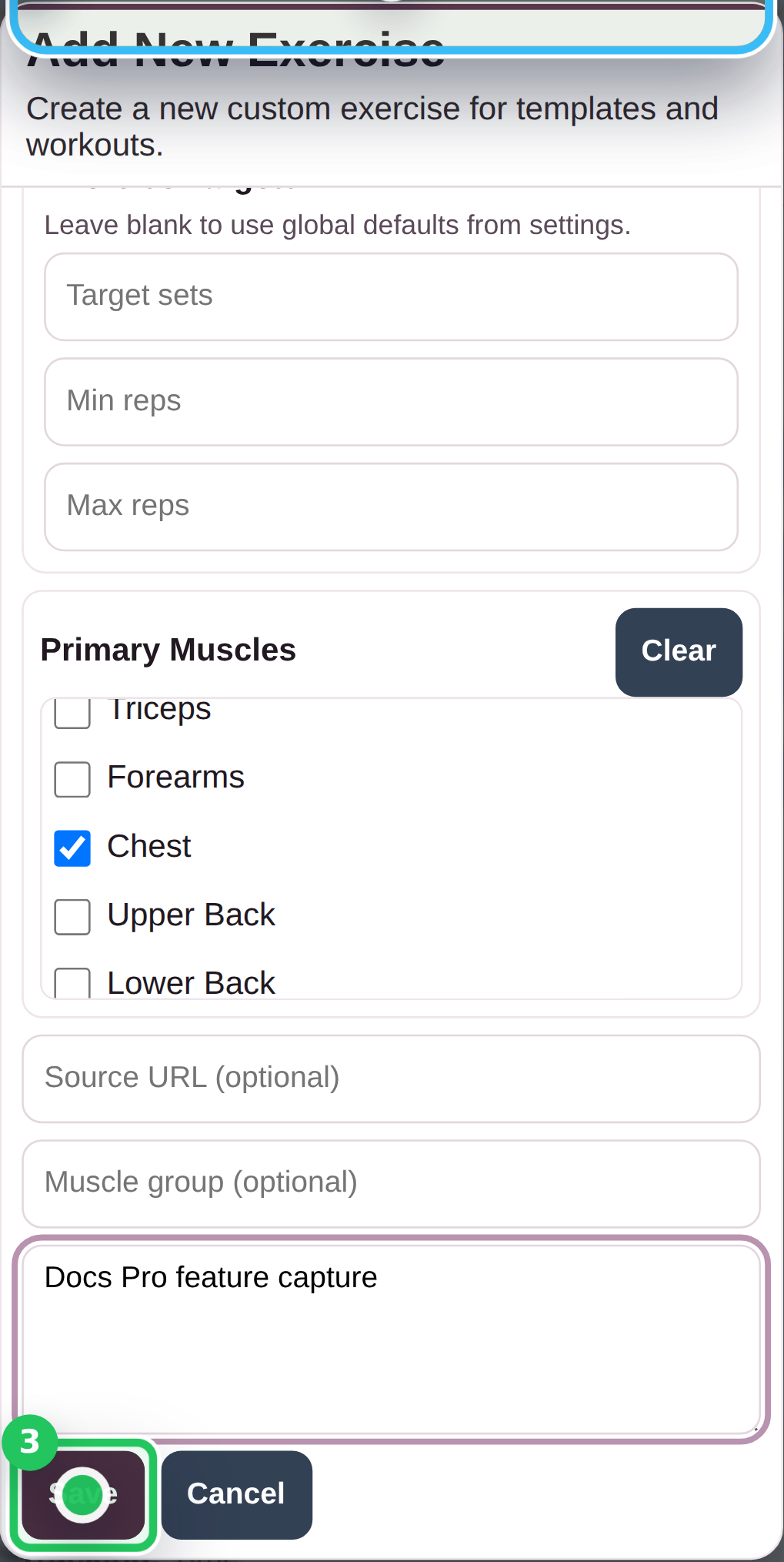
GymTracker Pro custom exercise editor open for a new exercise.
GymTracker Pro Shape the tracker around your setup

Unlimited custom exercises

Add your own bar variations, machine names, and specialist movements without hitting the free custom-exercise ceiling.

  • Keep gym-specific naming clean instead of forcing everything into the stock catalog.
  • Create niche movements once and reuse them everywhere in planning and logging.
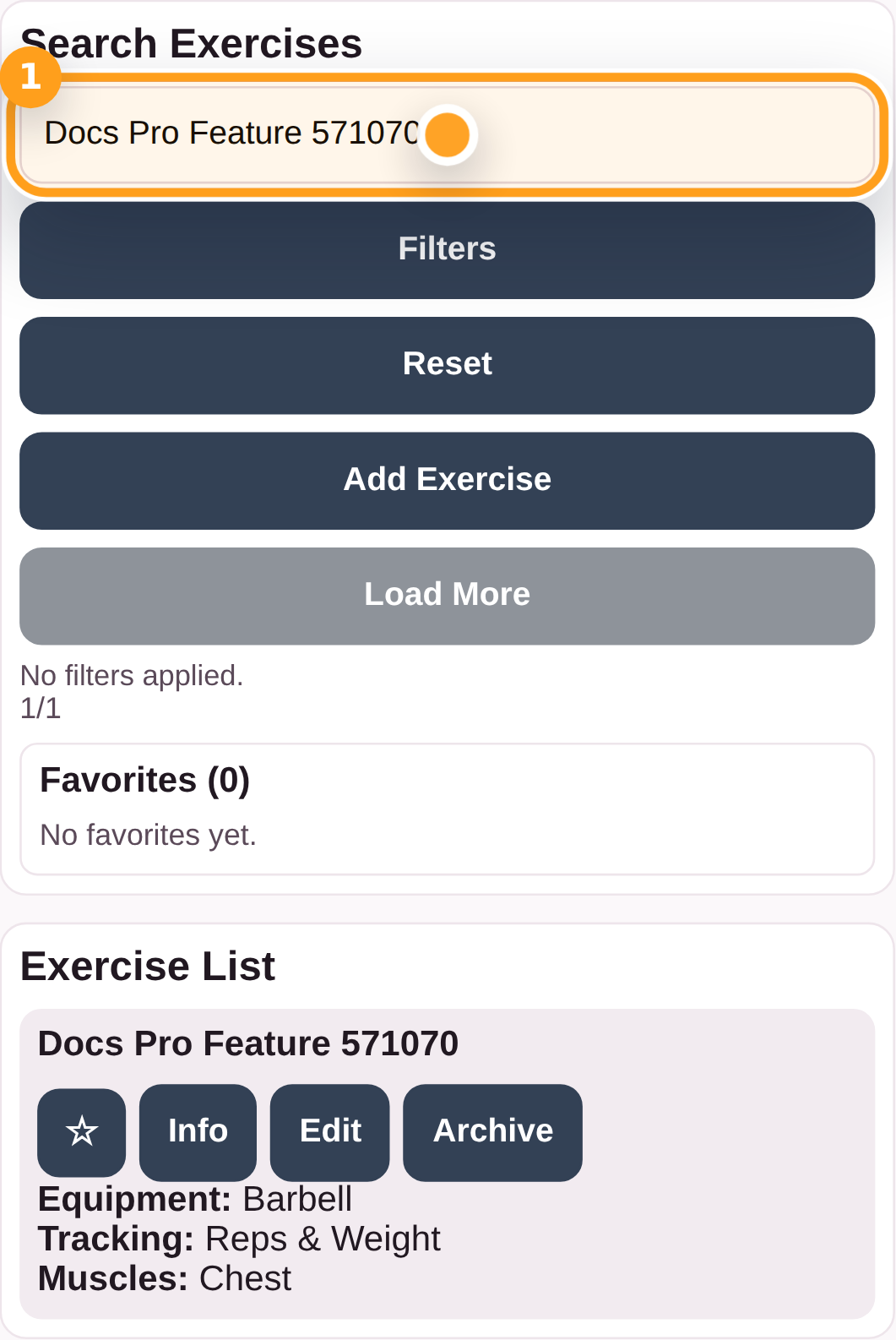
GymTracker Pro exercise list showing edit and archive controls for a custom exercise.
GymTracker Pro Clean up your catalog fast

Edit and archive your own exercises

Tidy names, retire outdated movements, and keep your exercise list useful instead of messy.

  • Edit details after the first save instead of recreating exercises from scratch.
  • Archive exercises you no longer use while keeping the rest of the tracker coherent.
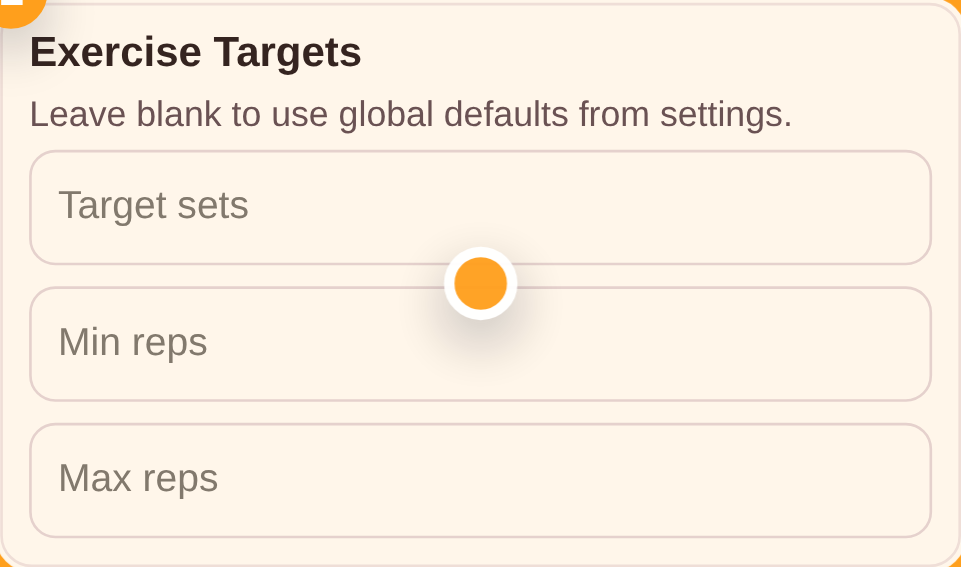
GymTracker Pro custom targets card inside the exercise editor.
GymTracker Pro Tune each lift properly

Per-exercise custom targets

Override default goals when one lift needs a different rep range, time target, or warm-up structure.

  • Dial in exercise-by-exercise targets instead of relying on one global default.
  • Keep templates more realistic for heavy compounds and accessories in the same session.
GymTracker Pro analytics view with unlocked range controls and custom dates.
GymTracker Pro See the bigger picture

Full analytics range and history

Review long-term trends, compare training phases, and use custom date windows instead of a locked short-range view.

  • Switch between fixed ranges and custom windows when you need a clearer trend.
  • Use your full history to spot plateaus, volume swings, and consistency patterns.
GymTracker Pro settings showing unlocked warm-up controls.
GymTracker Pro Make setup sets part of the plan

Warm-up tools that stay in the workout flow

Tag warm-up sets and enable the warm-up generator without breaking the main logging rhythm.

  • Keep working sets and warm-up work clearly separated.
  • Surface warm-up support where it matters instead of remembering it manually.
GymTracker Pro settings showing the auto-export option for completed workouts.
GymTracker Pro Tighten the handoff flow

Auto-export on workout completion

Finish a session and let GymTracker handle the CSV download so your latest file stays current without an extra step.

  • Keep backups moving with less friction after every completed session.
  • Useful when you want a disciplined file workflow without extra taps at the end.

Personal workflow

Use the app when you want the live product flow and account checks.

The site explains the shape of Pro; the live app handles pricing status, account state, and the upgrade path itself.